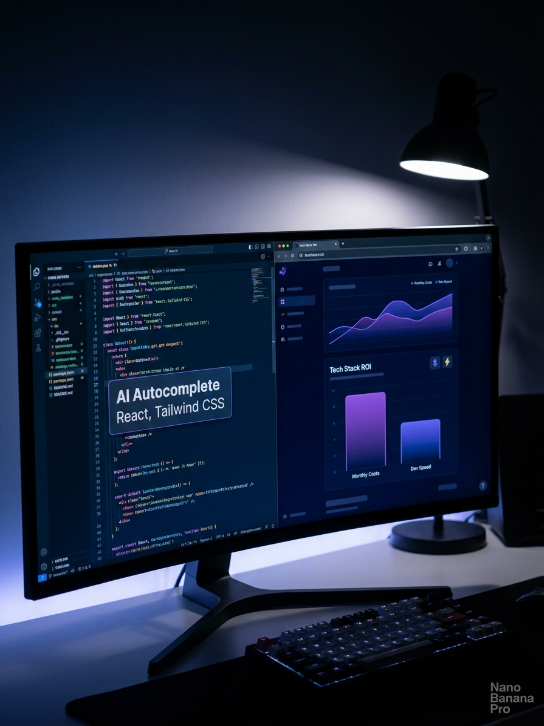
If you are running a digital agency or building SaaS platforms, your tech stack is the backbone of your operations. In 2026, writing every line of code manually is financial malpractice. AI coding assistants have fundamentally changed how fast we can build and deploy web applications.
But as the market floods with new AI assistants, development teams are facing a new problem: subscription fatigue. Between individual seats, enterprise tiers, and hidden API costs, the software bill can escalate quickly.
When you are architecting centralized platforms, custom marketing tools, or subscription-based SaaS products, you need to know exactly what you are paying for. Here is a definitive AI coding tools cost analysis, breaking down the upfront subscriptions, the hidden token fees, and the actual return on investment (ROI).
Table of Contents
1. The Subscription Layer: Seat-Based Costs
The most visible expense when adopting AI coding assistants is the monthly per-user subscription. When outfitting your development team, you generally have three tier-one options right now:
- GitHub Copilot ($10 – $19/month per user): The industry standard for autocomplete. It integrates directly into VS Code and is excellent for churning out boilerplate code. However, its chat interface is sometimes less context-aware than newer competitors.
- Cursor AI ($20/month per user): A standalone code editor (forked from VS Code) that is widely considered the most powerful tool for full-stack developers. It reads your entire codebase, meaning if you are building an application using React, Tailwind CSS, and JavaScript, Cursor understands how all your files connect.
- Claude Pro / ChatGPT Plus ($20/month per user): While not dedicated IDEs, many developers rely on the web interfaces of Claude 3.5 Sonnet or GPT-4o for complex architectural planning and debugging.
The Agency Play: If you are managing a lean team, paying $20/month for a tool like Cursor is negligible. The cost of a developer spending three hours debugging a Google App Script versus an AI fixing it in ten seconds makes the seat-based cost instantly profitable.
2. The API Layer: The Hidden Development Costs
The biggest mistake technical directors make in their AI coding tools cost analysis is ignoring the API layer.
If your team is not just using AI to write code, but actually integrating AI directly into your custom apps (for example, building a centralized social media management platform that automatically generates content), you are paying for API usage.
- Token Pricing: Models charge by the token (roughly chunks of words or code). If your developers are sending massive codebases to an API for continuous refactoring, or if your internal app processes high volumes of data, these fractions of a cent add up quickly.
- Model Selection: Using a heavy model (like GPT-4o or Claude 3.5 Opus) for simple data extraction is a massive waste of money. A cost-efficient tech stack automatically routes simpler coding or data tasks to cheaper, faster models (like Gemini Flash) and saves the heavy, expensive models for complex logic generation.
3. Team Allocation: Who Actually Needs a License?
You do not need to buy an expensive AI coding license for every single employee. Cost optimization is about assigning the right tools to the right roles.

- The Developers: Require premium, codebase-aware tools like Cursor or GitHub Copilot. This is a non-negotiable expense for speed.
- The Account Manager: Since they are handling client relations, project timelines, and daily prospection tracking rather than writing logic, they do not need an IDE license. A standard ChatGPT Plus or Gemini Advanced subscription is more than enough for them to draft communications or analyze performance spreadsheets.
4. The True ROI: Time vs. Subscription Fees
Ultimately, an AI coding tools cost analysis comes down to the value of human time.
Let’s say you are transitioning your agency services into a scalable SaaS platform. Building the database architecture, user authentication, and responsive frontend design traditionally takes weeks. With AI handling the repetitive syntax (like generating endless Tailwind CSS classes), your developers transition from being “code typers” to “code reviewers.”
A $240 annual investment per developer that accelerates product deployment by even 20% pays for itself in the first week. The real cost isn’t the software; it is the revenue you lose by coding at the speed of 2023.